Aletheia Bible
A cutting-edge, AI-powered Bible exploration application that provides intelligent commentary and intuitive navigation. Built for a generation that expects technology to meet them where they are, Aletheia makes rigorous scriptural study feel as natural as a conversation.
Aletheia
AI Integration
2025
- ◆ AI Development
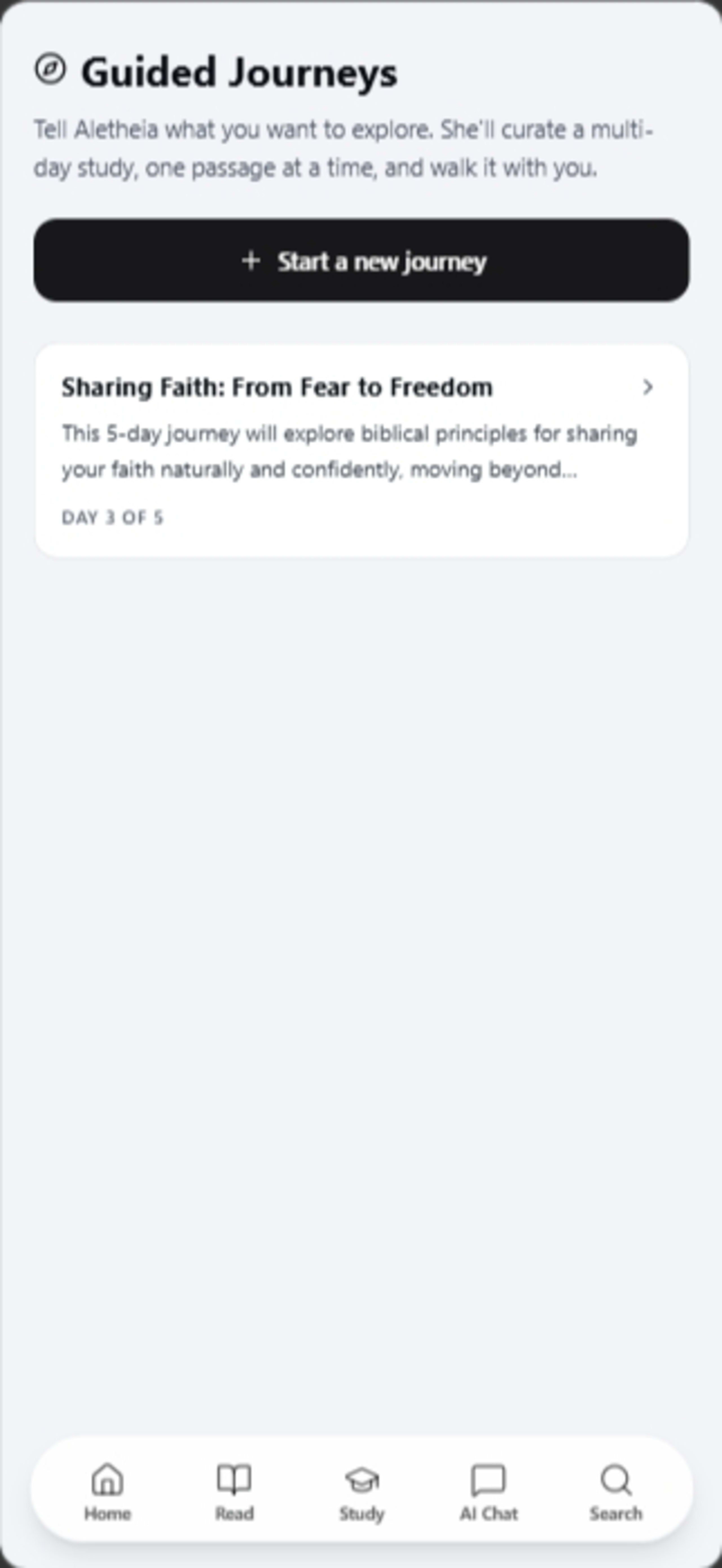
- ◆ Mobile-First Design
- ◆ Content Parsing
"Traditional scriptural..."
Traditional scriptural study apps were dense, hard to navigate, and lacked dynamic context, making deep Bible study intimidating for new and experienced users alike. Most apps presented the text as raw data with no interpretation layer, no cross-referencing, and no way to search by concept or theme. Users who wanted historical background or cultural context had to leave the app entirely and consult secondary sources — breaking the study flow and discouraging consistent engagement.
The ResolutionA System Designed For Clarity.
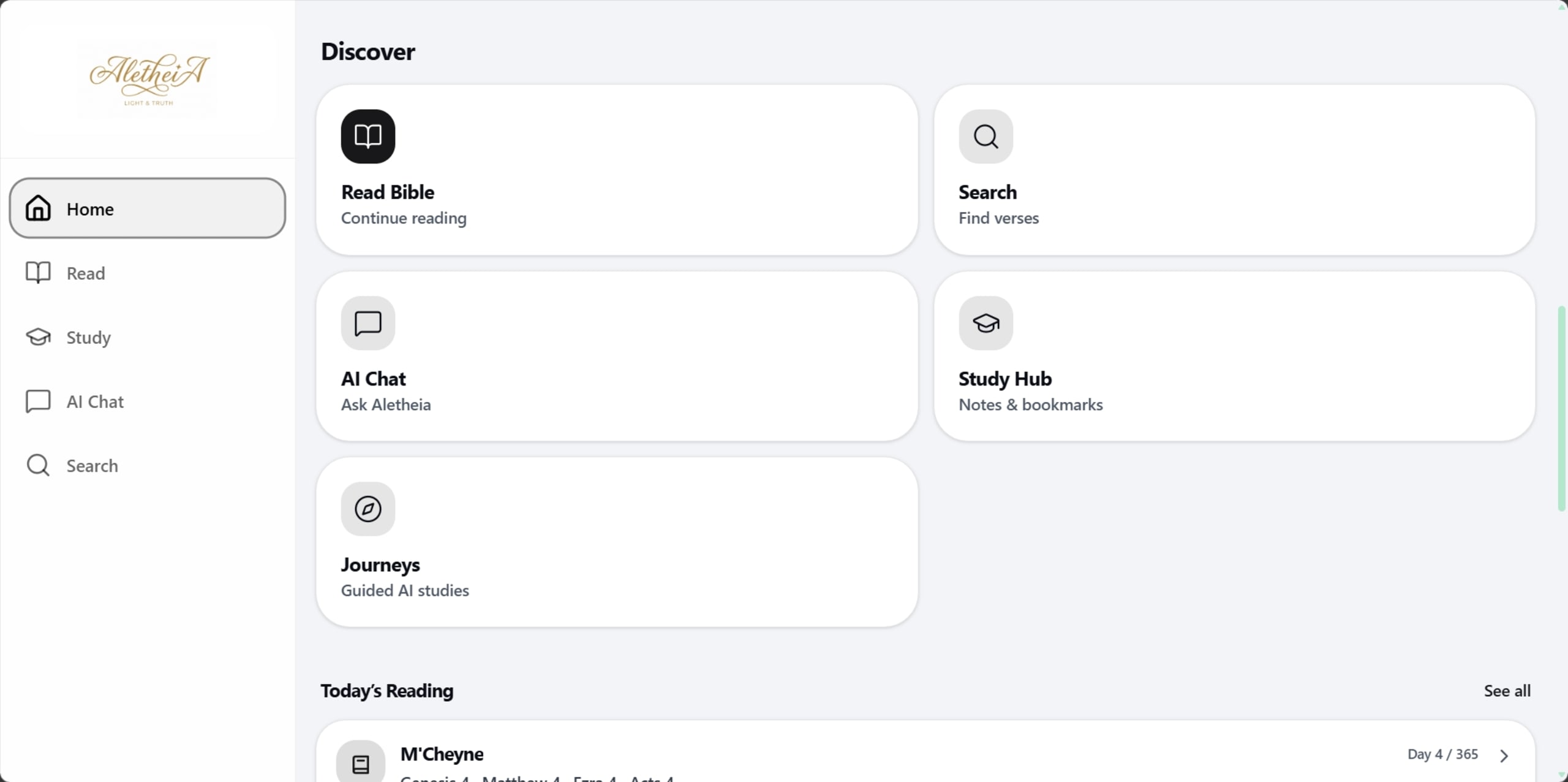
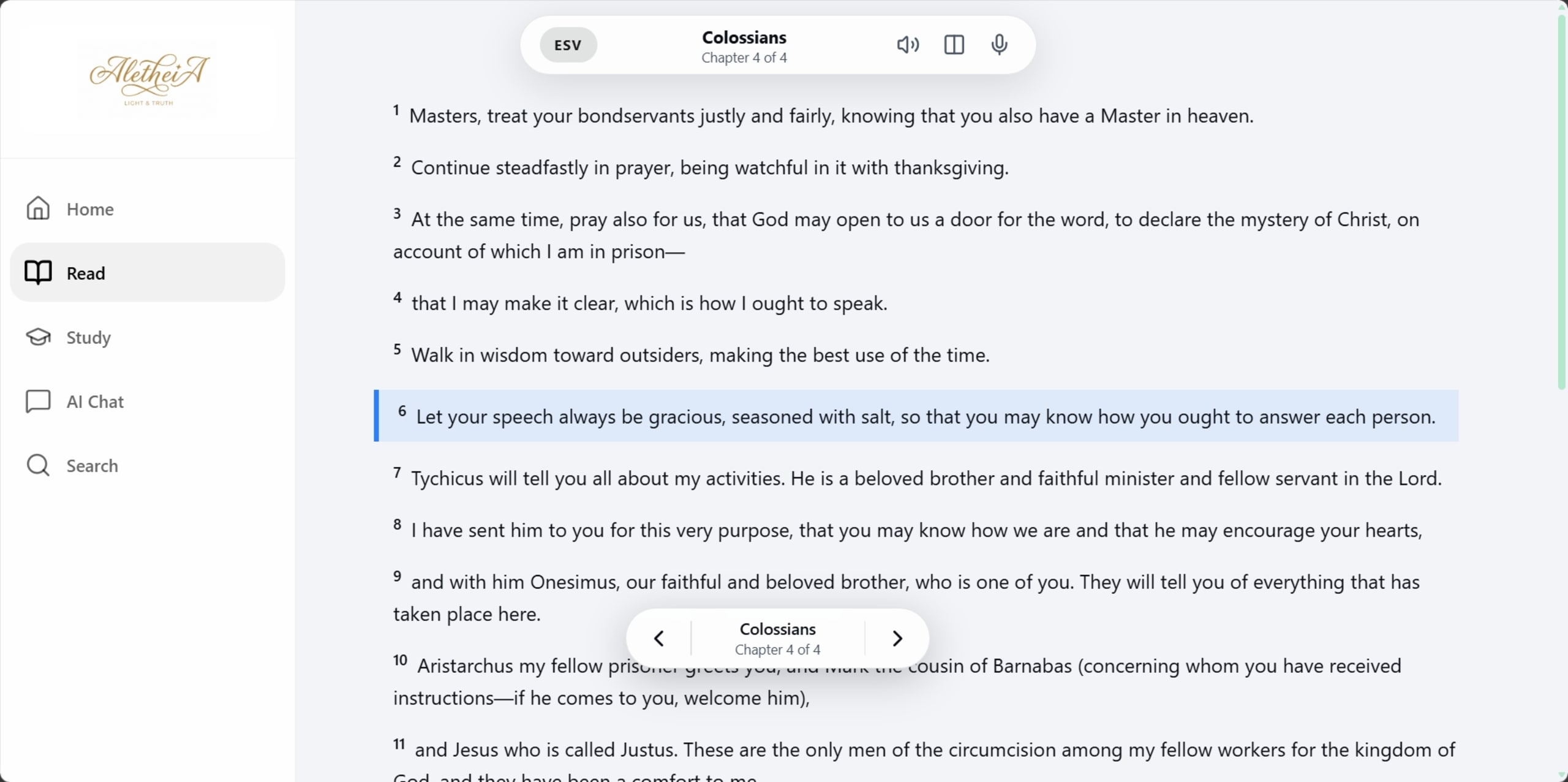
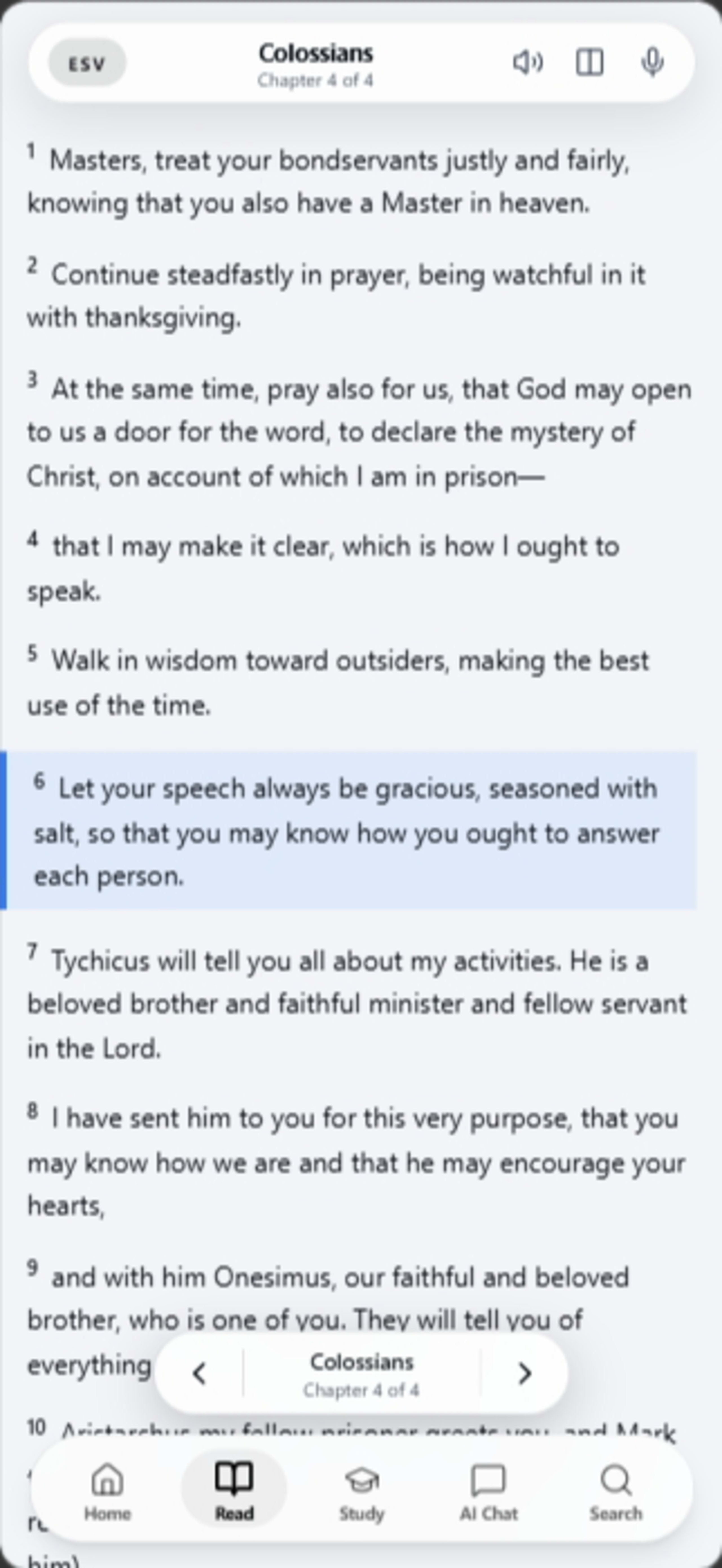
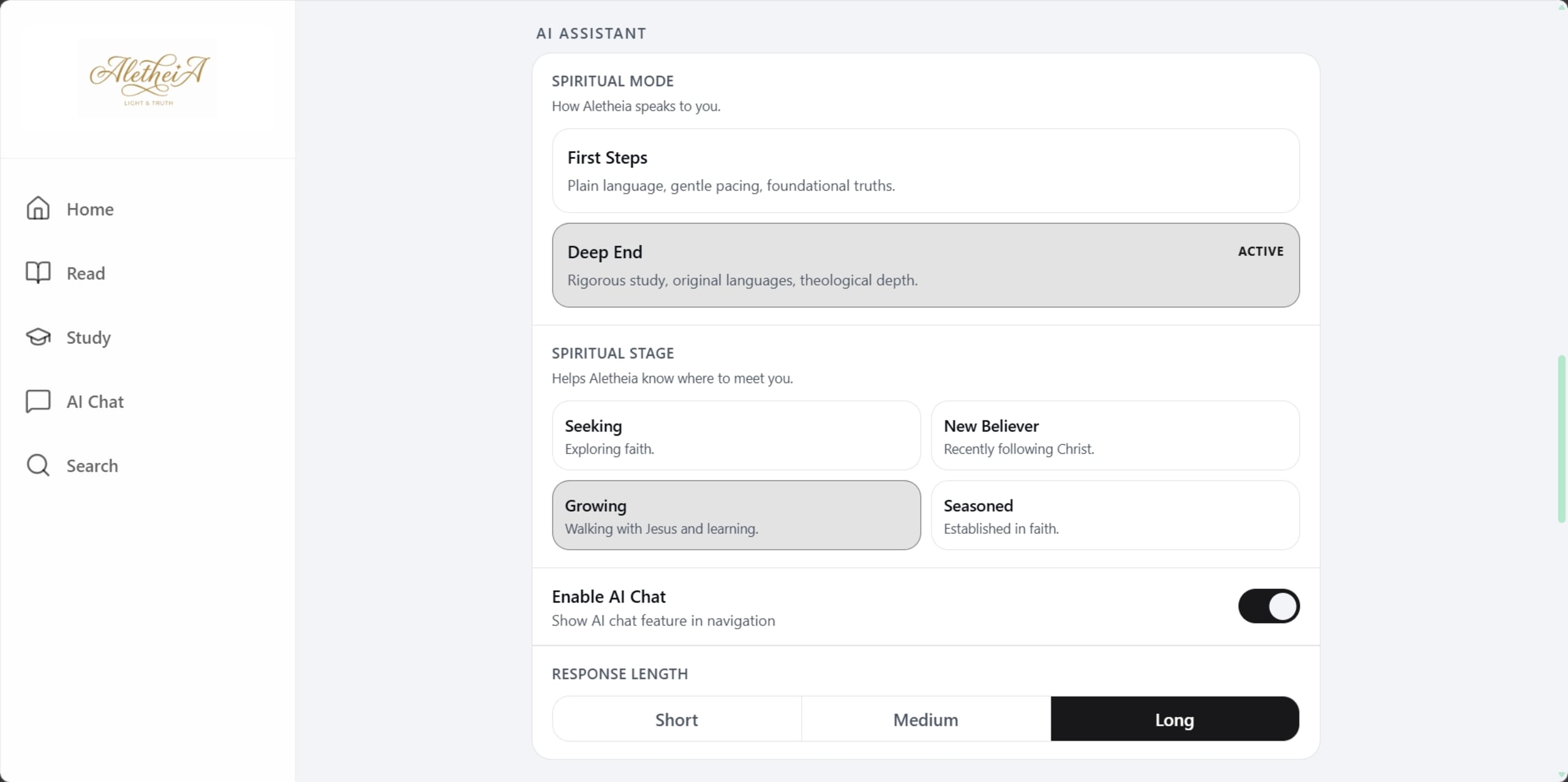
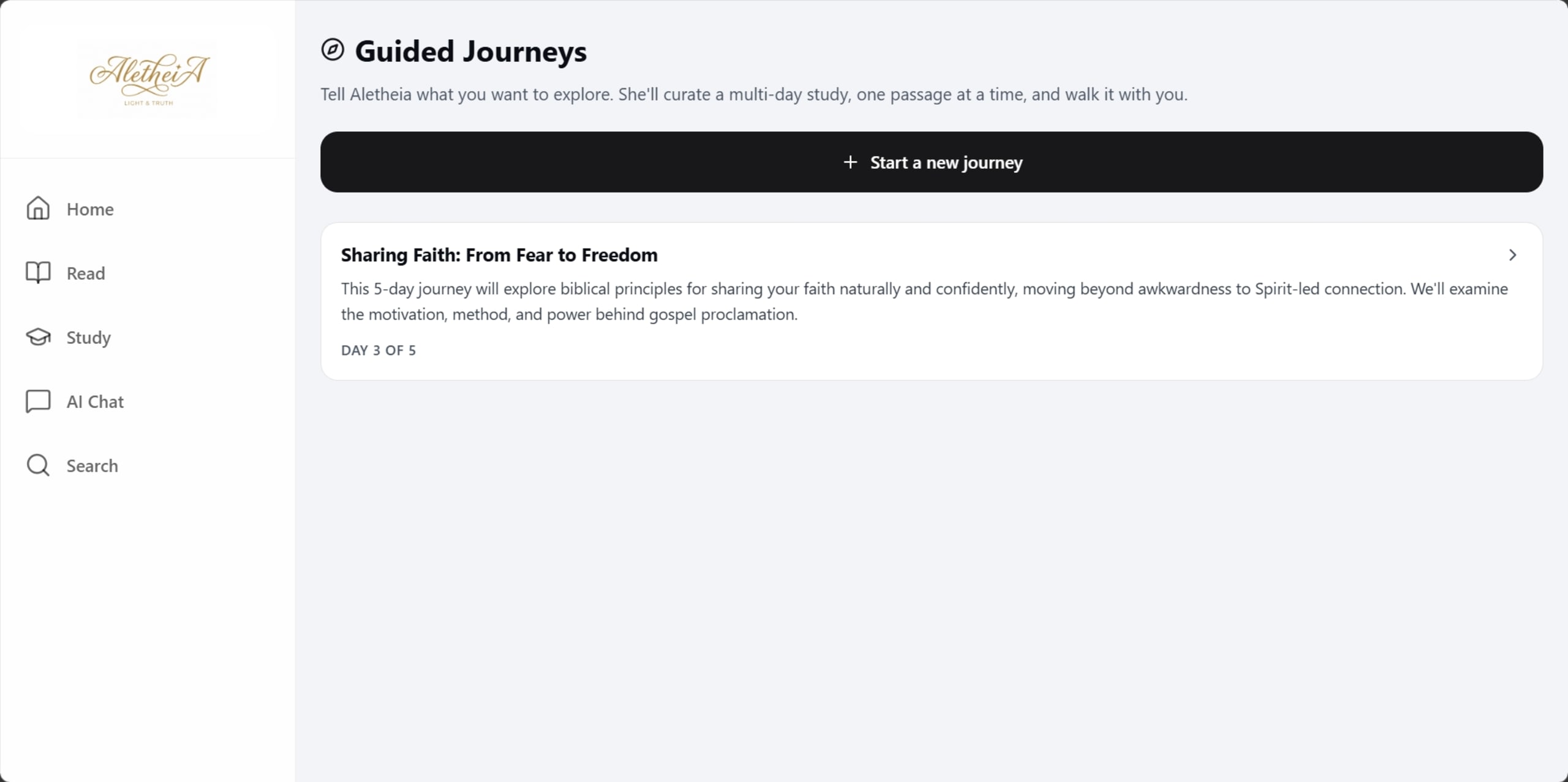
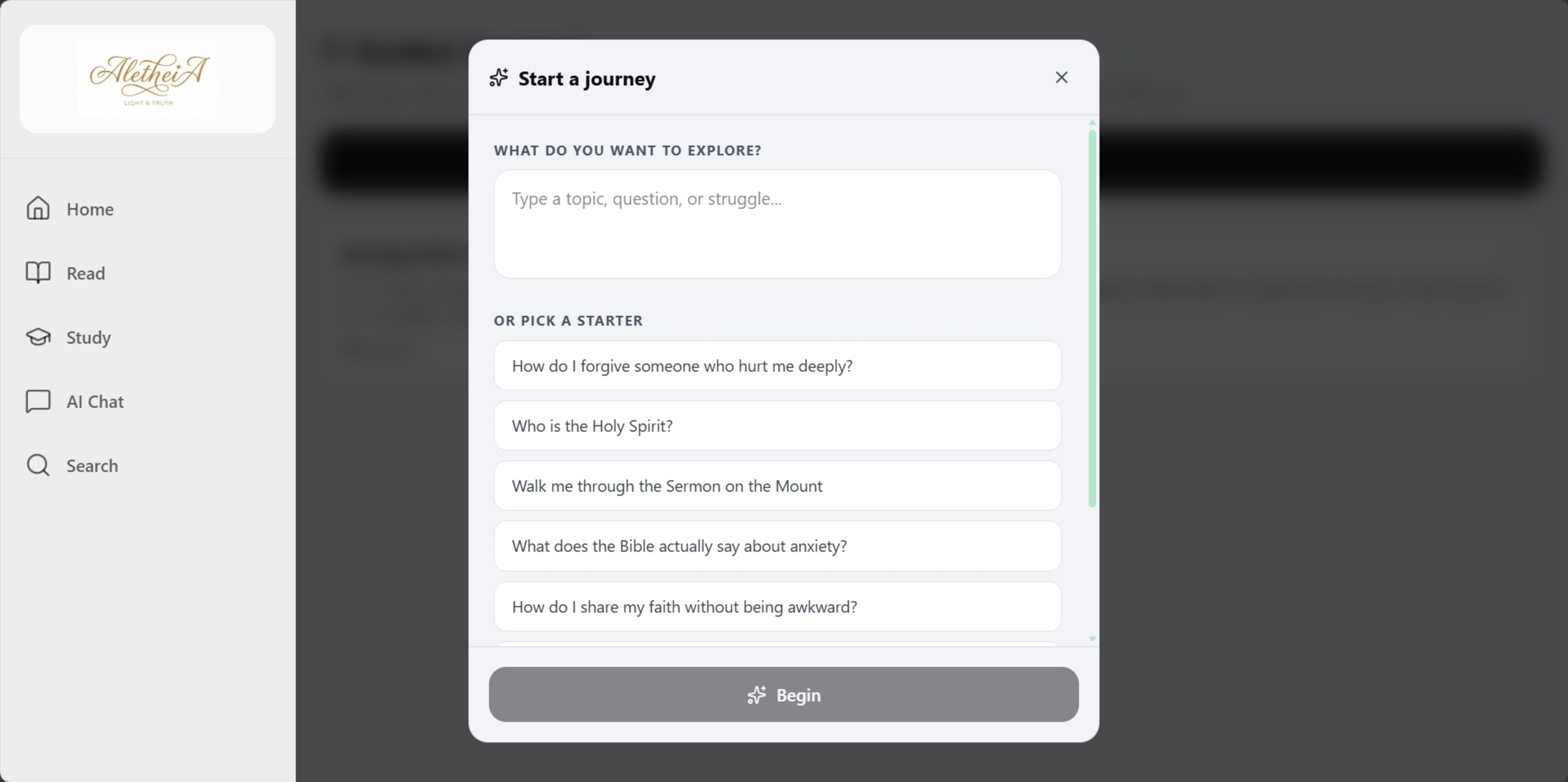
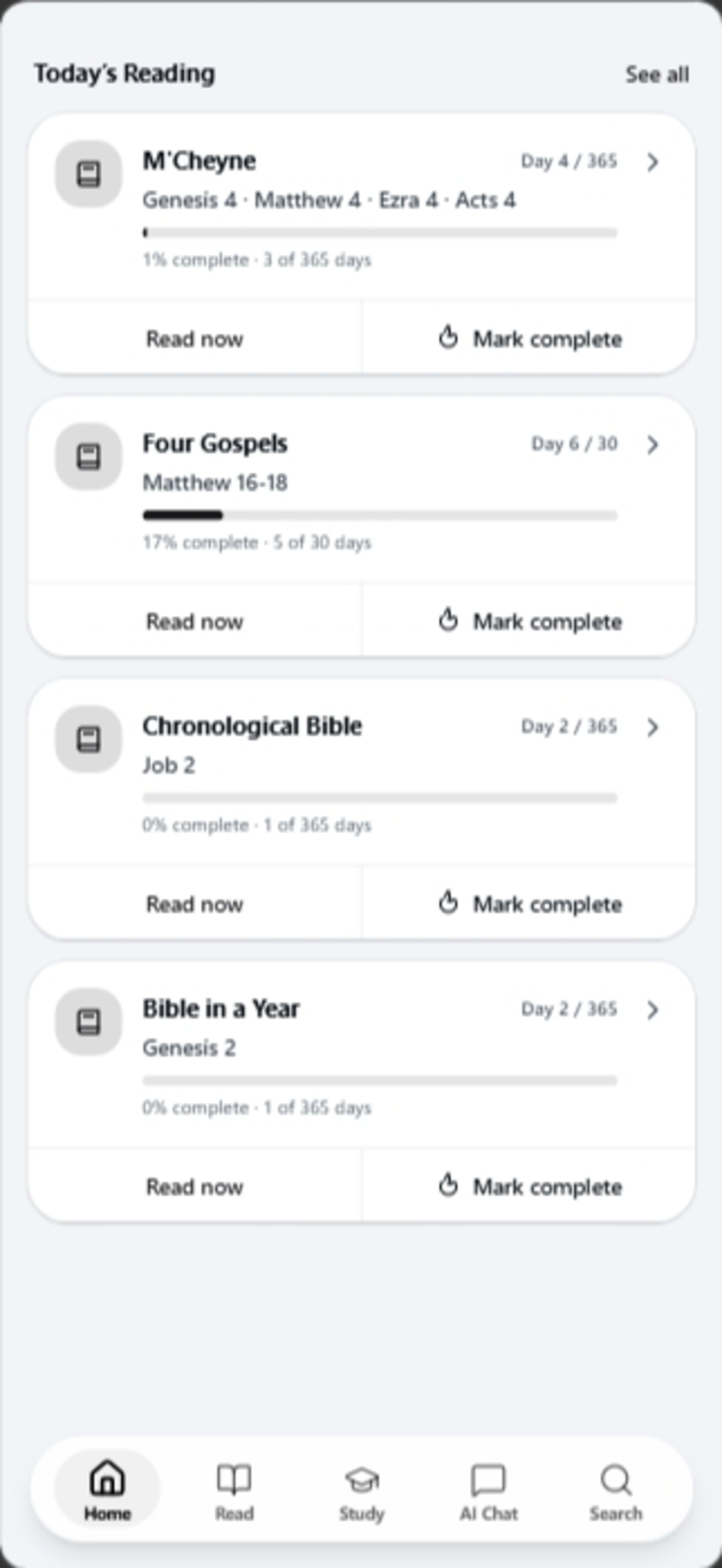
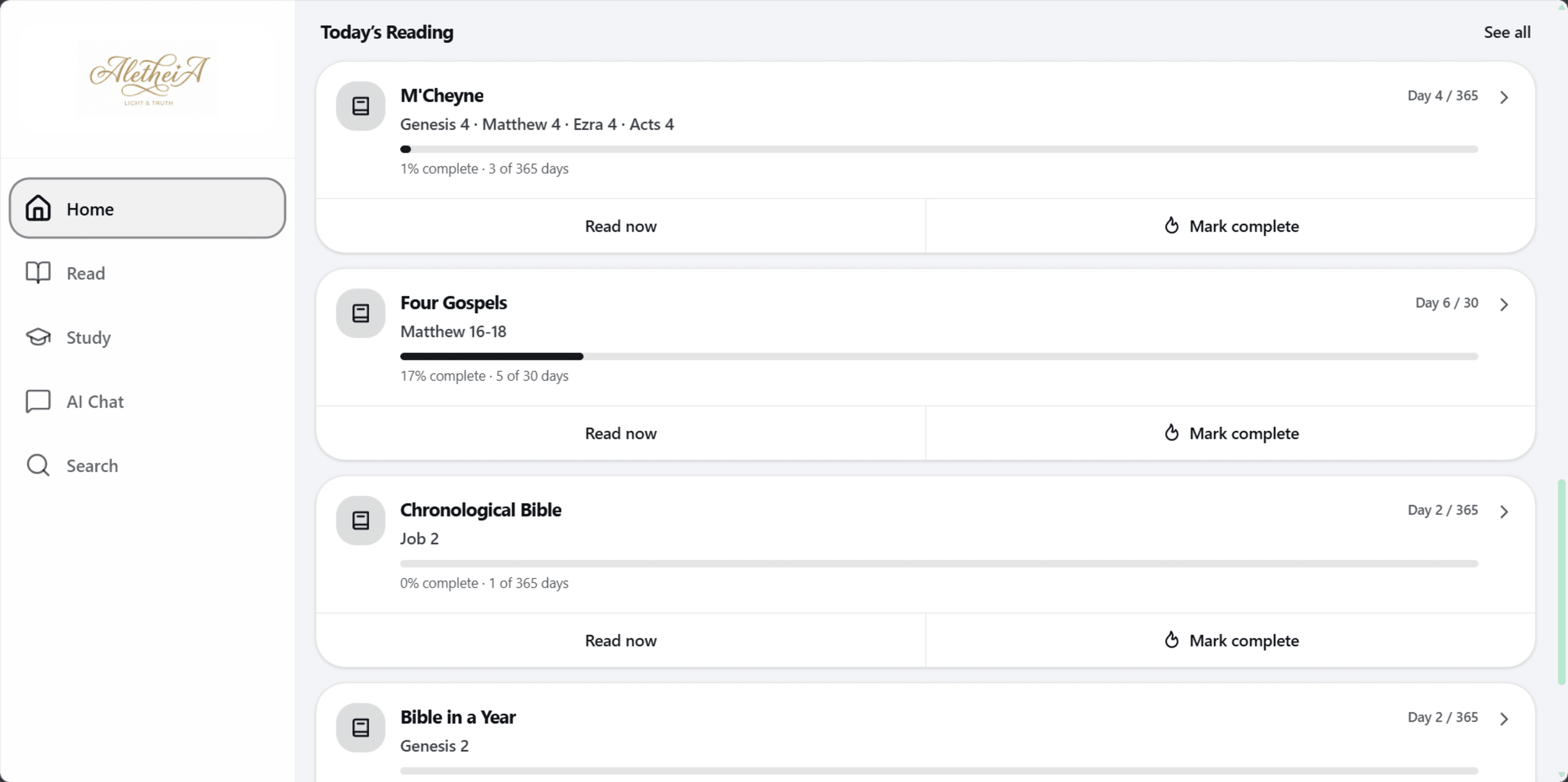
We paired large language models with the complete biblical text to create a conversational study assistant that makes deep study accessible to everyone. The AI layer surfaces historical context, cross-references, and commentary inline — right beside the passage — so users never lose their place. The entire system is wrapped in a hyper-minimalist reader UI optimized for long reading sessions, with smart highlighting, personal notes, and a daily reading plan engine that adapts to each user's pace and goals.
Semantic Search
Find passages based on concepts, emotions, and themes rather than exact keyword matches — a fundamentally different way to explore scripture that surfaces connections traditional search would miss entirely.
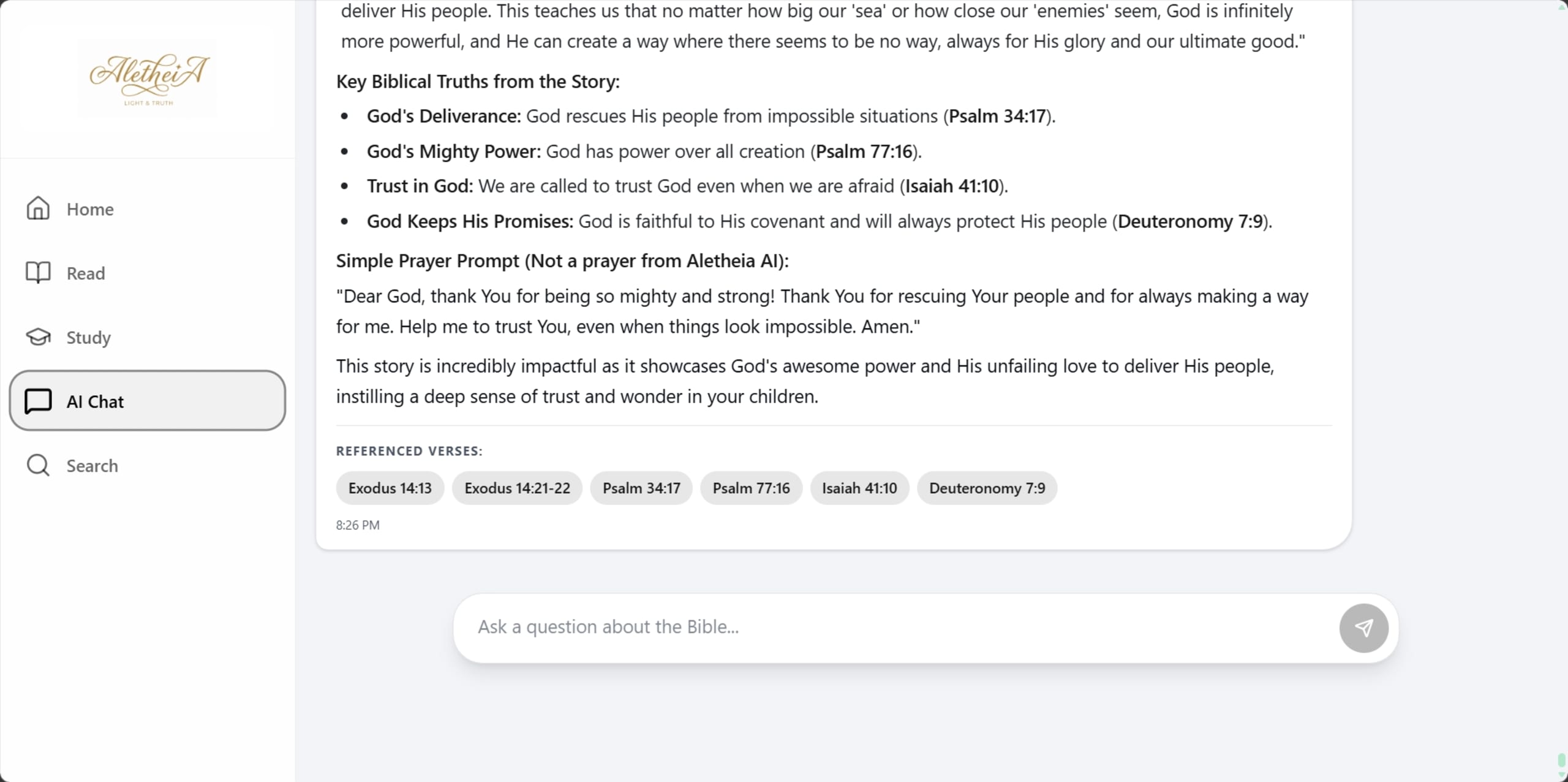
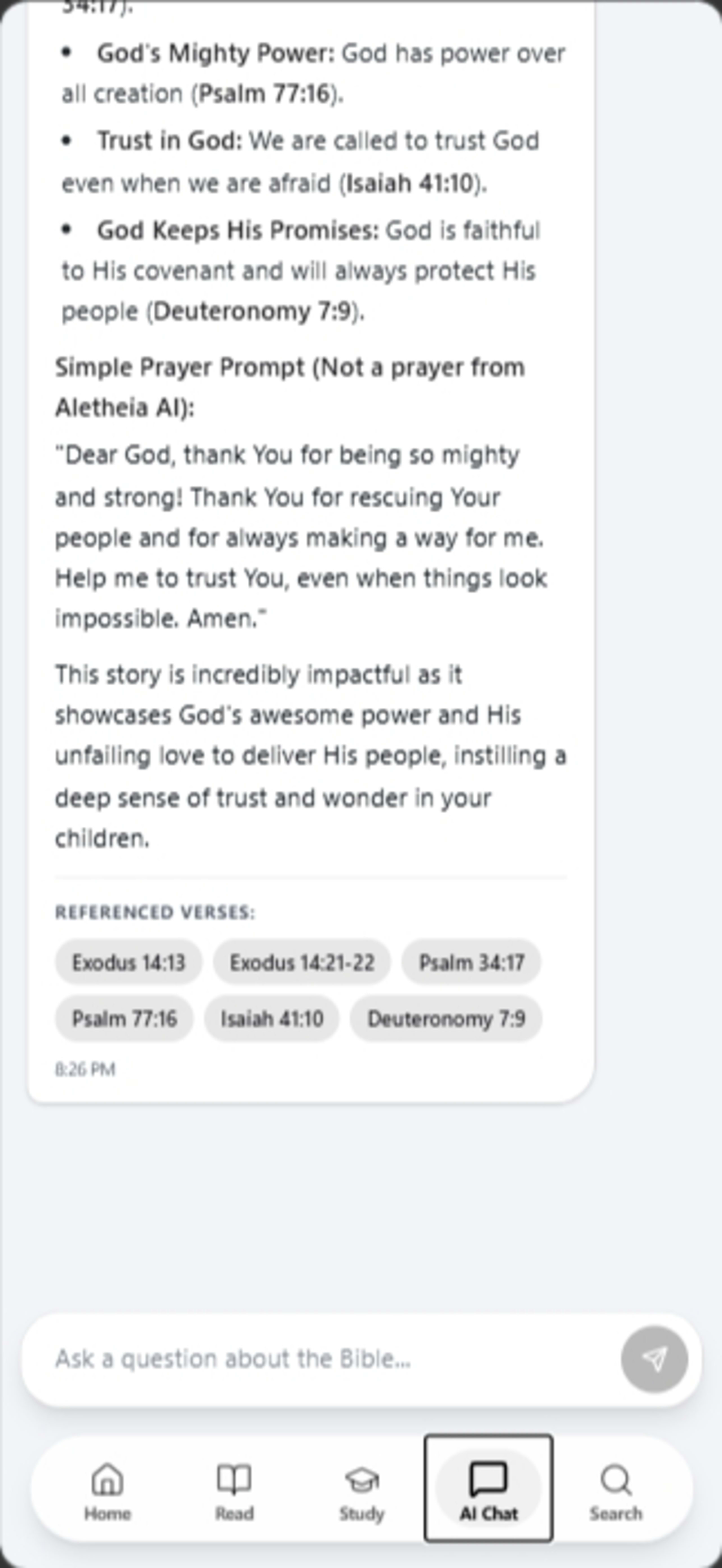
AI Commentary
Context-aware historical, cultural, and linguistic insights appear intelligently alongside each passage, sourced from vetted theological databases and surfaced by a fine-tuned language model.
Study Hub
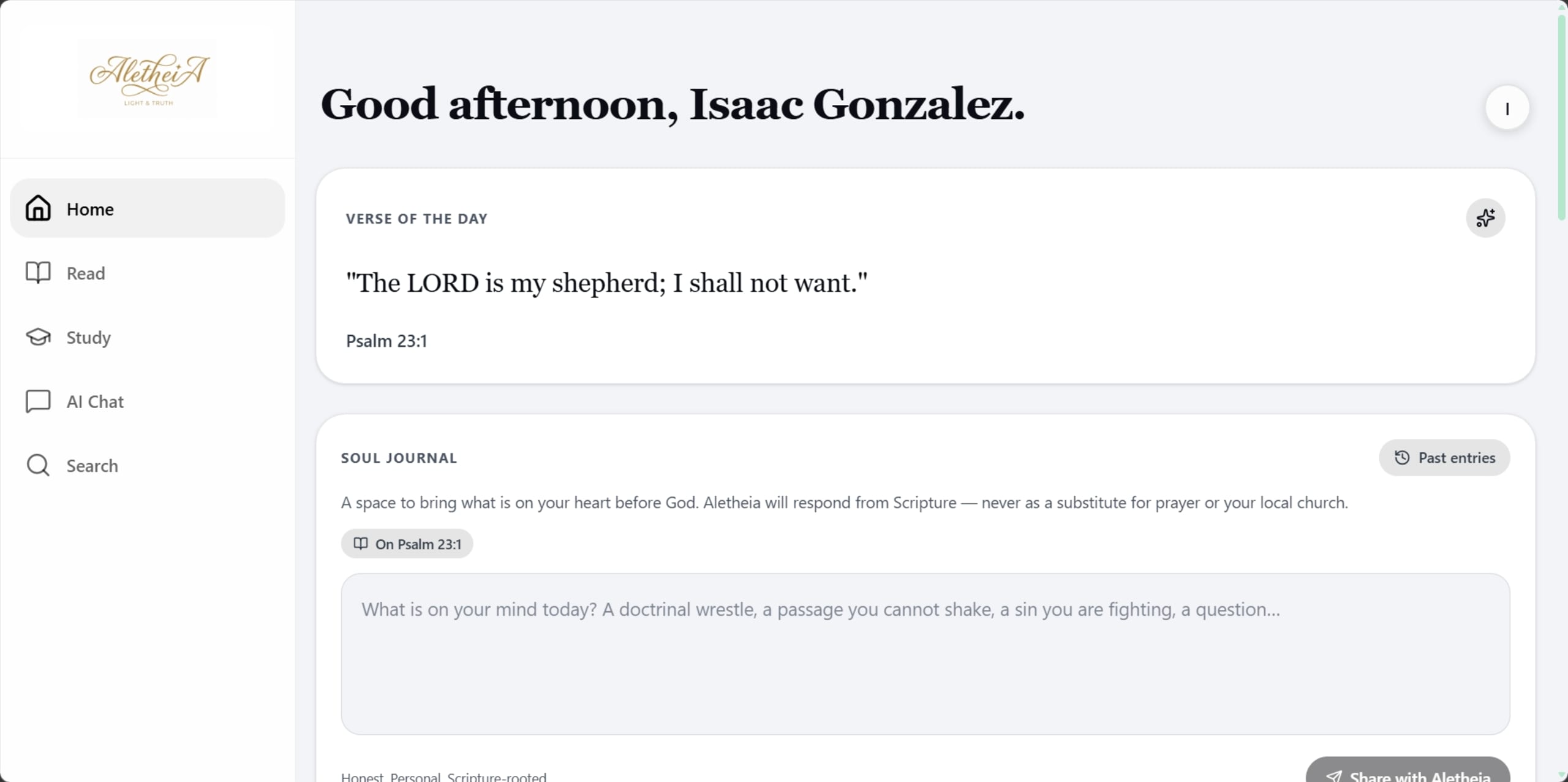
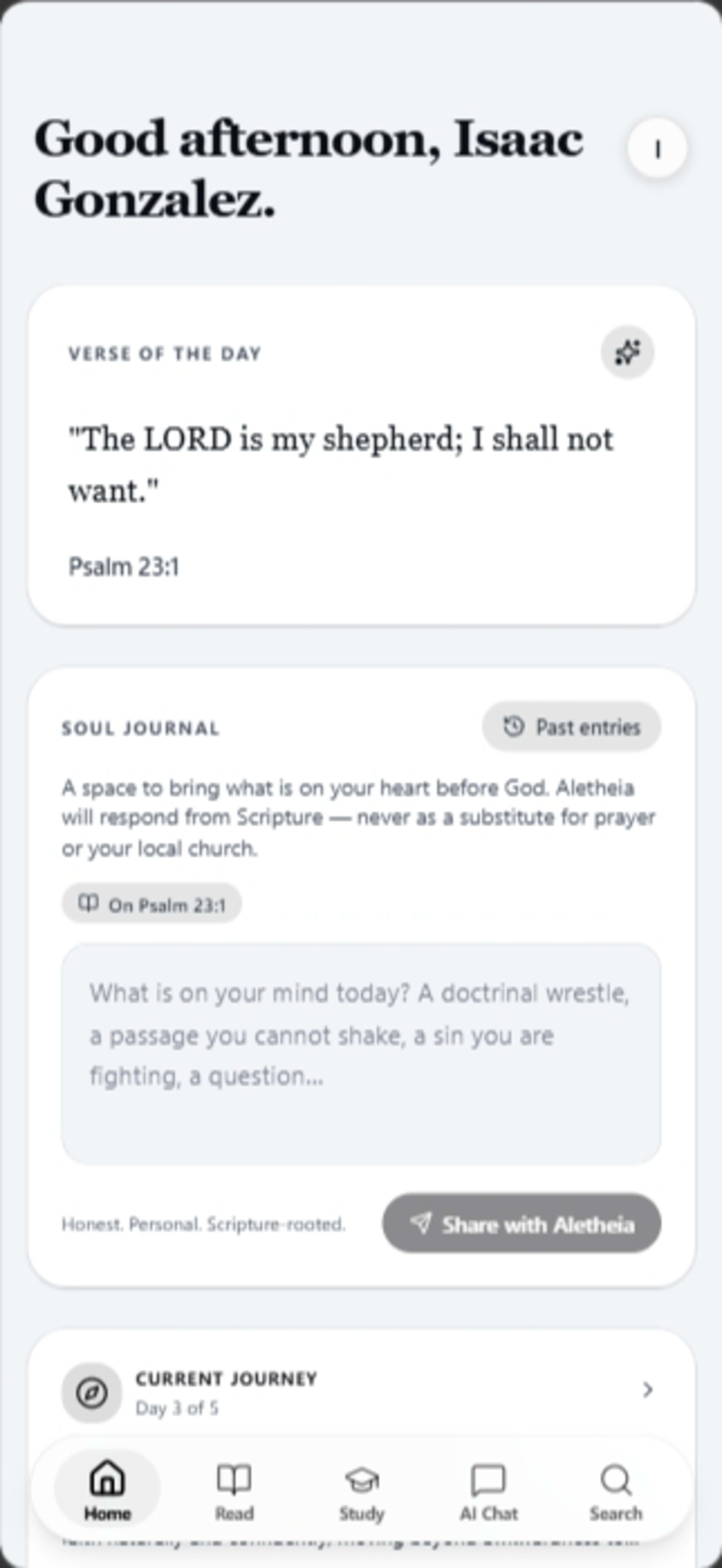
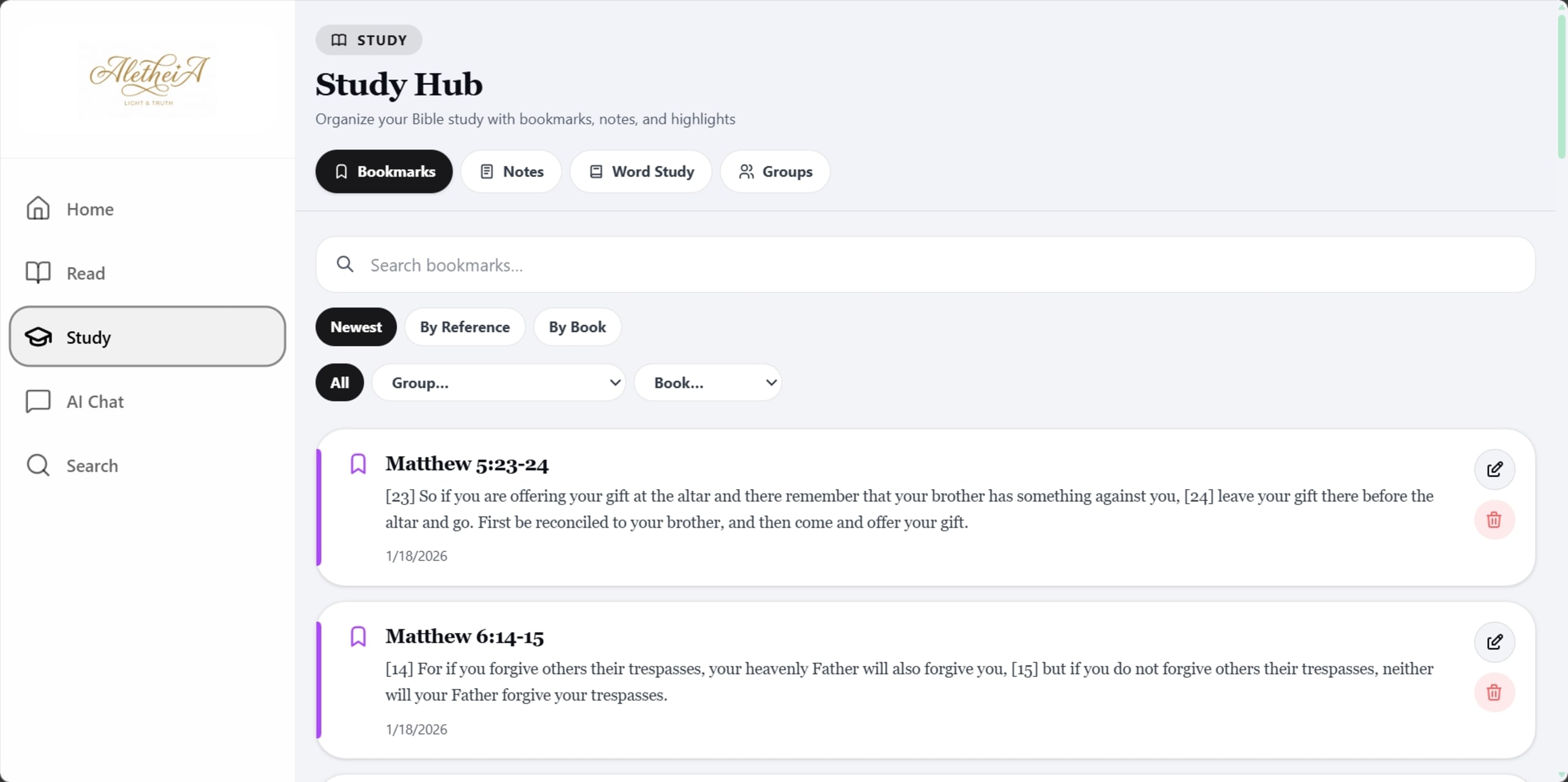
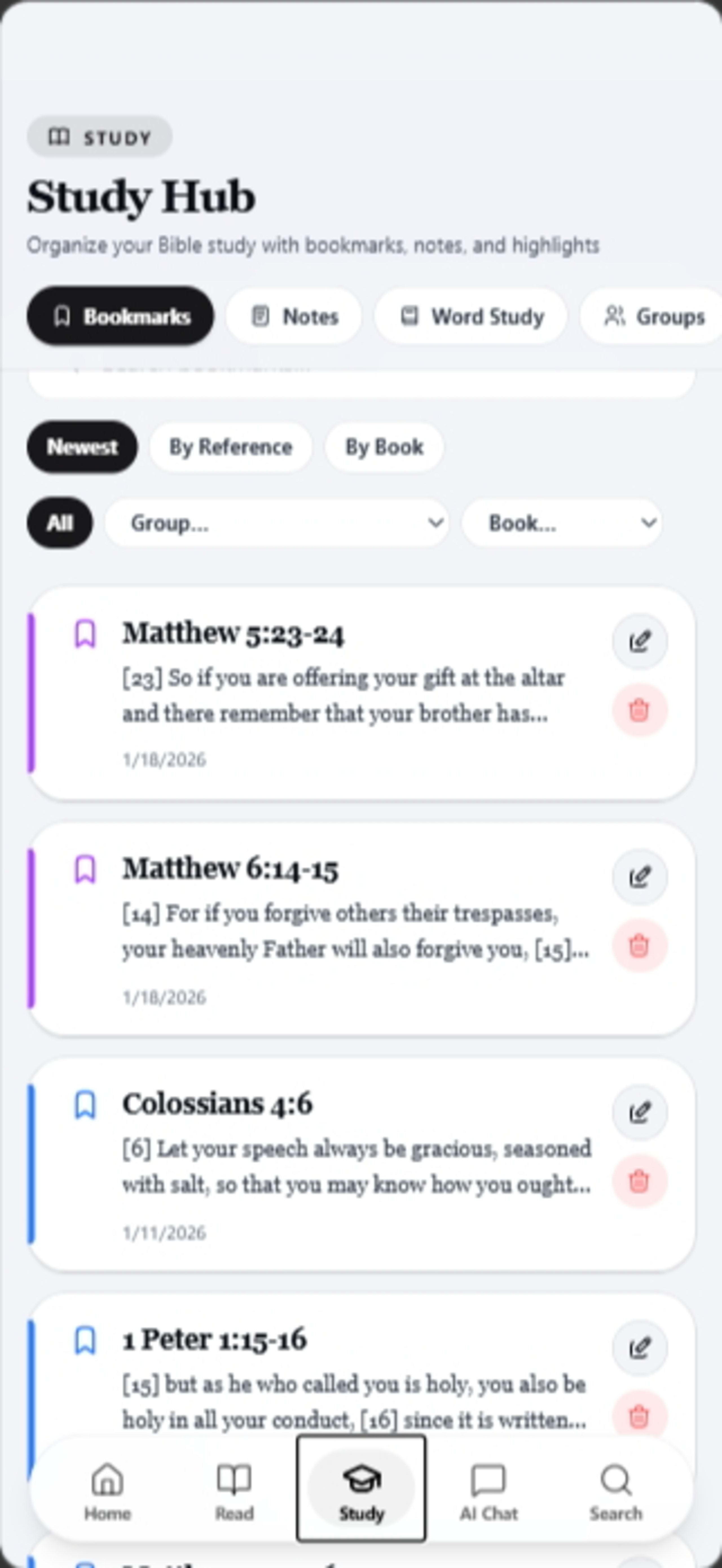
A centralized personal dashboard that compiles highlights, study notes, and daily reading streaks into a single view, making it easy to pick up exactly where you left off.
Every Screen.
Every Flow.
20 screens across 8 feature areas — documented in full.
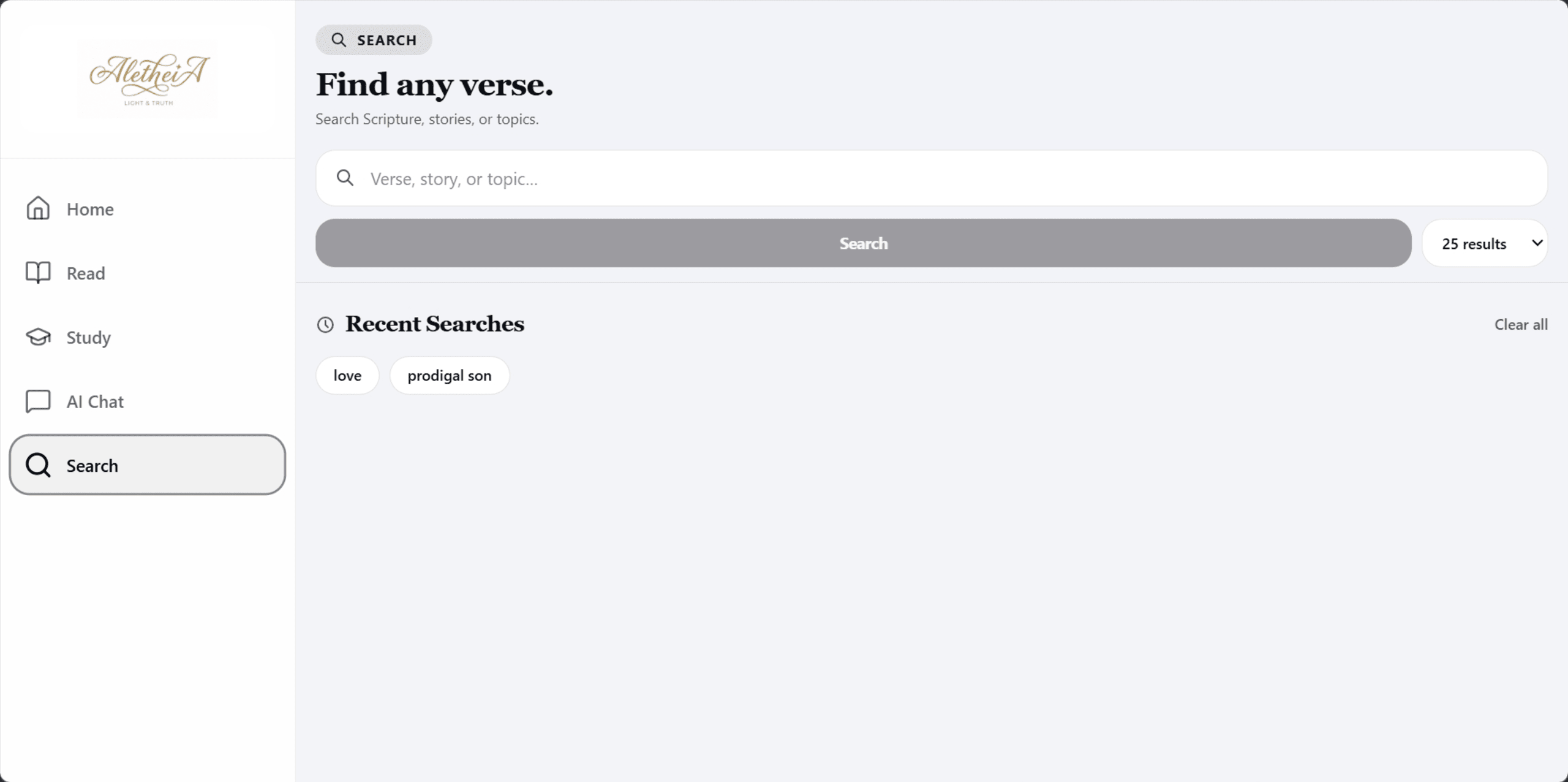
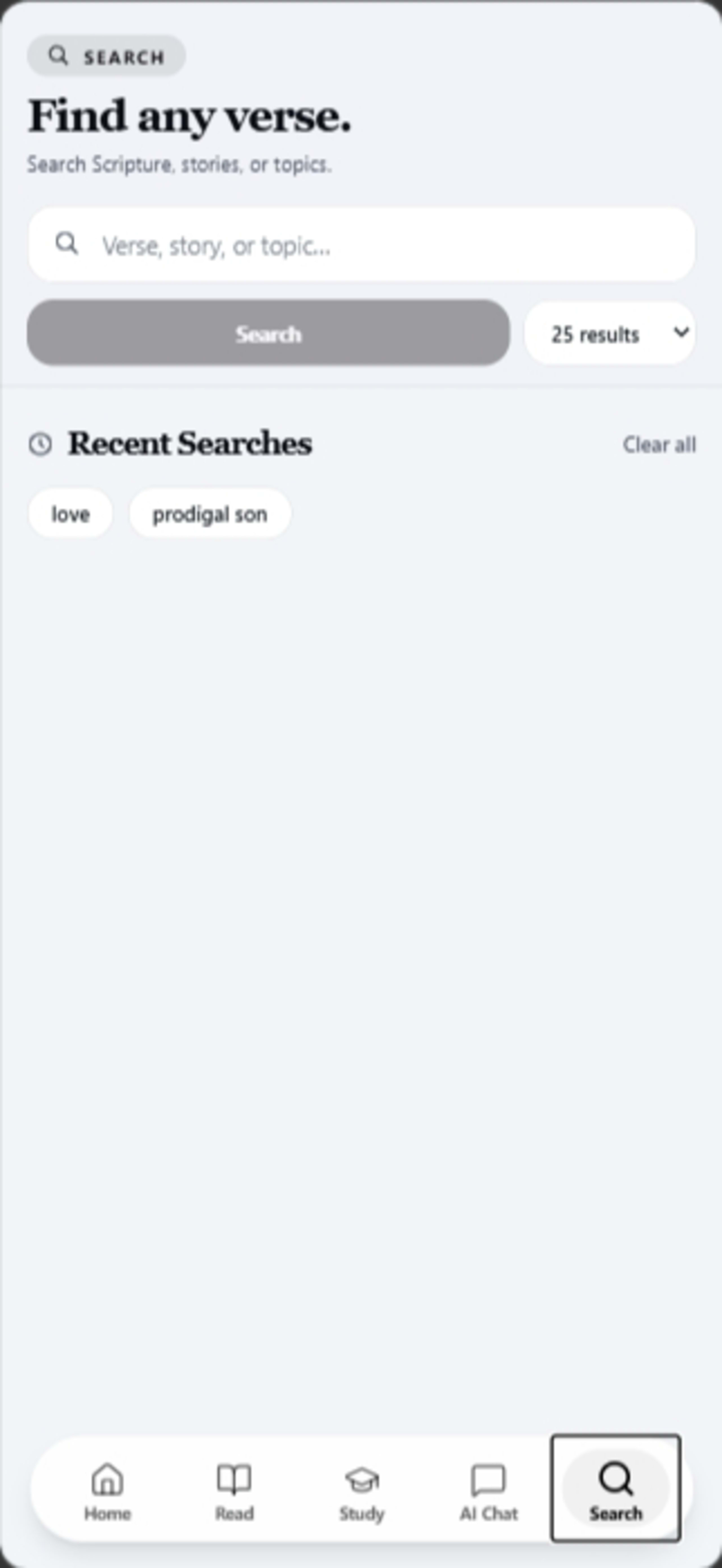
Concept-aware
passage retrieval
via custom
vector index
Streaks,
highlights &
personal notes
in one view